Stack
One-click null parenting, adjustment layers, solids and camera rigs.
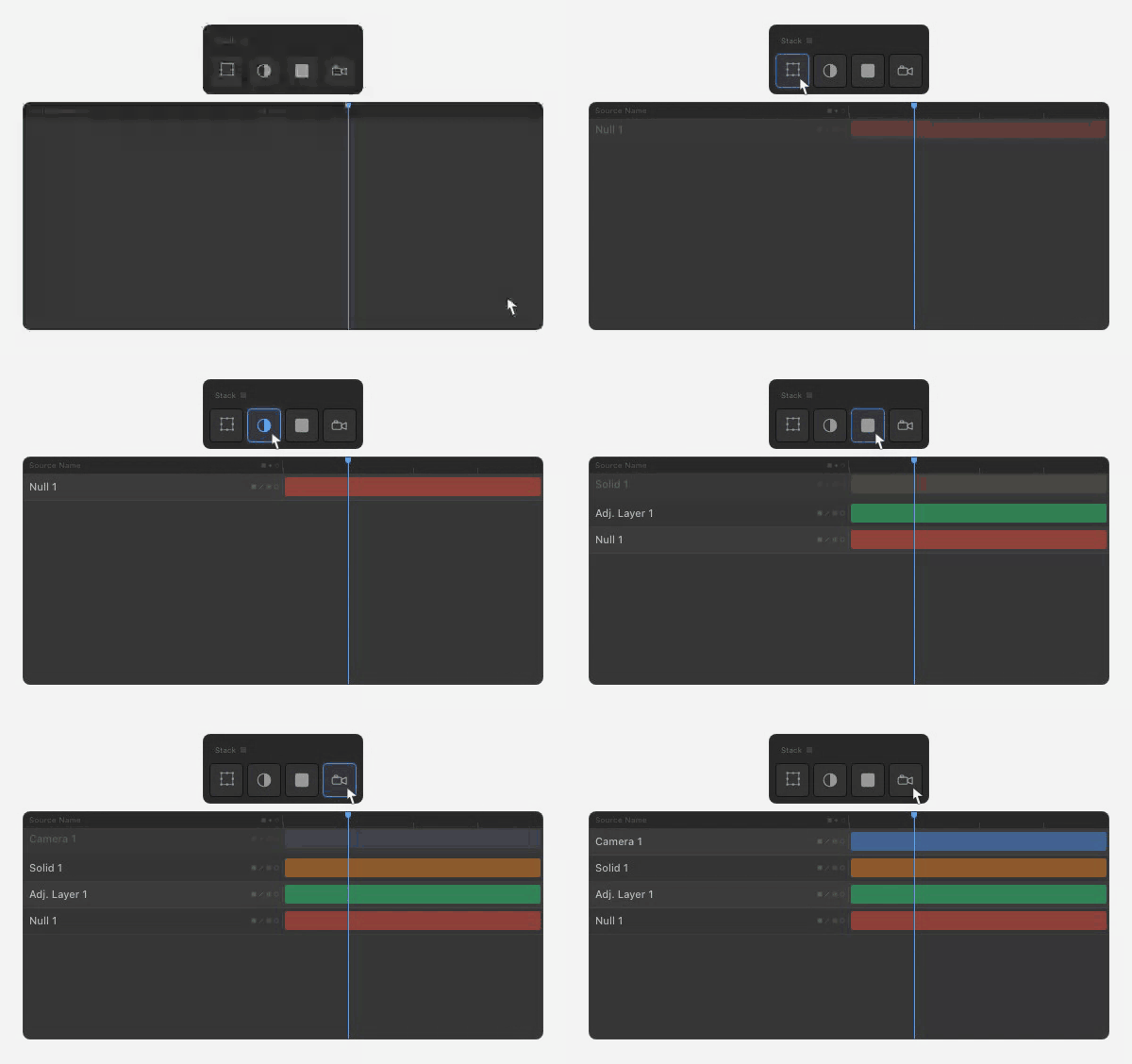
One-click layer creation
Nulls, Adjustment Layers, Solids and Cameras, all from one panel. No menus, no dialogs, no keyboard gymnastics.
Smart null parenting (multi-layer)
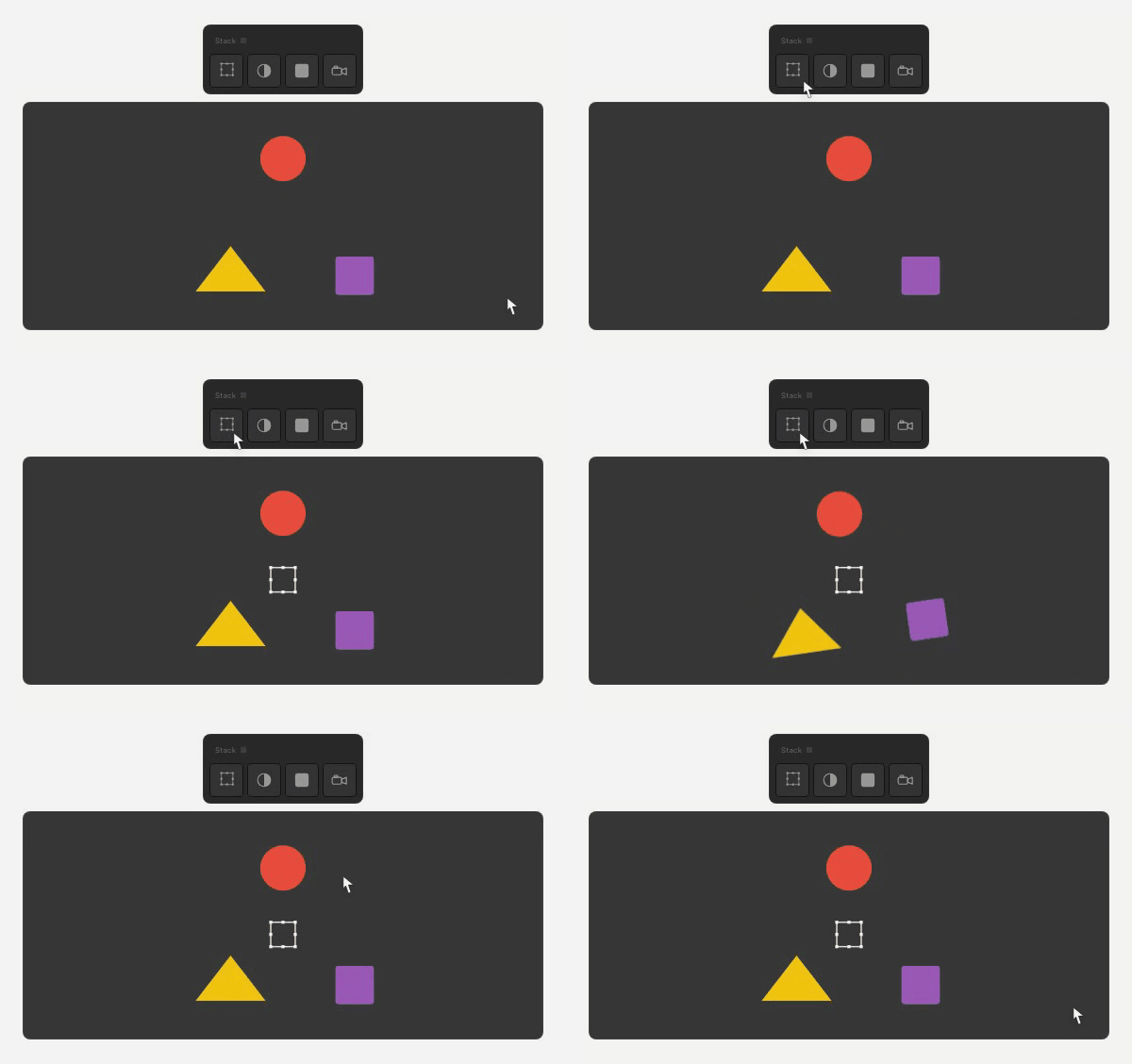
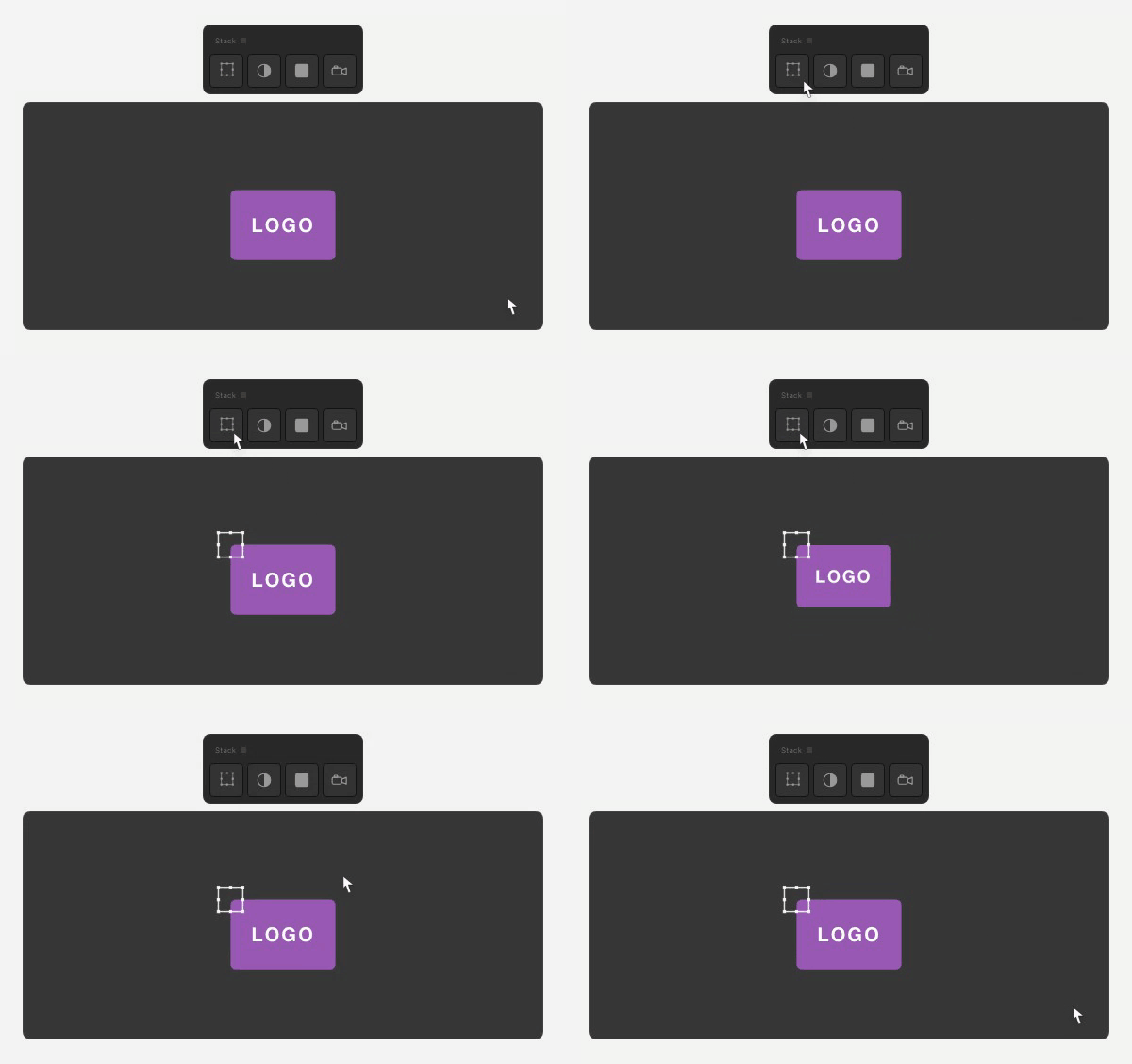
Right-click Null with multiple layers selected. Stack creates a null at the centre of your selection and parents everything to it. Rotate or scale the null and your whole rig moves with it.
Smart null parenting (single layer)
With one layer selected, right-clicking Null creates a null at that layer’s anchor point — perfect for scaling or rotating around a specific point.
Auto-rigged cameras
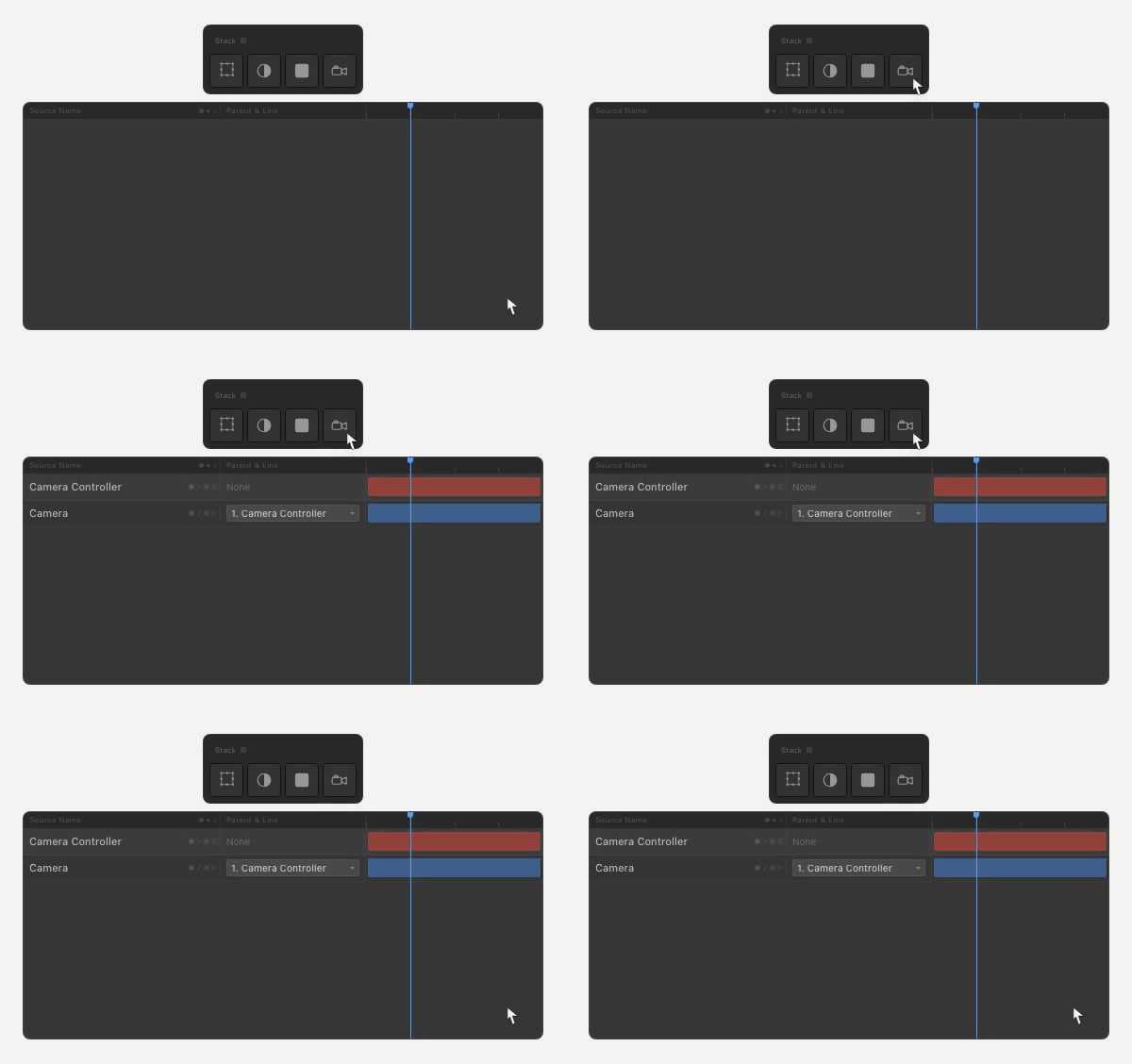
Click Camera and Stack creates a camera plus a 3D null controller, parented and ready. Right-click for a 2-node camera; the Camera Settings dialog opens straight away.
Alpha-matte adjustments
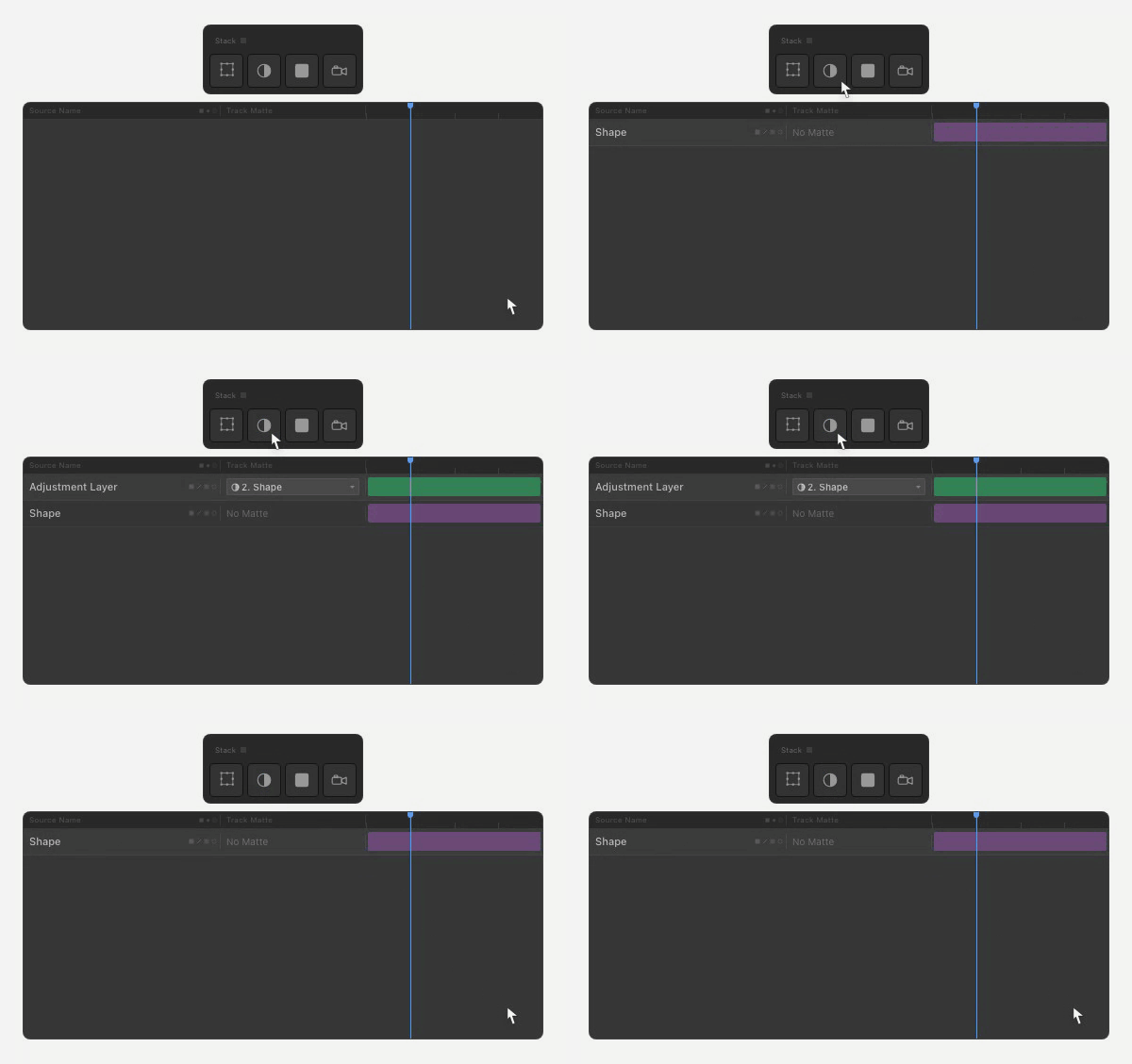
Right-click Adjustment with a layer selected. Stack creates an adjustment layer matted by your selection, keeping the matte source visible the way you want it.
Quick coloured solids
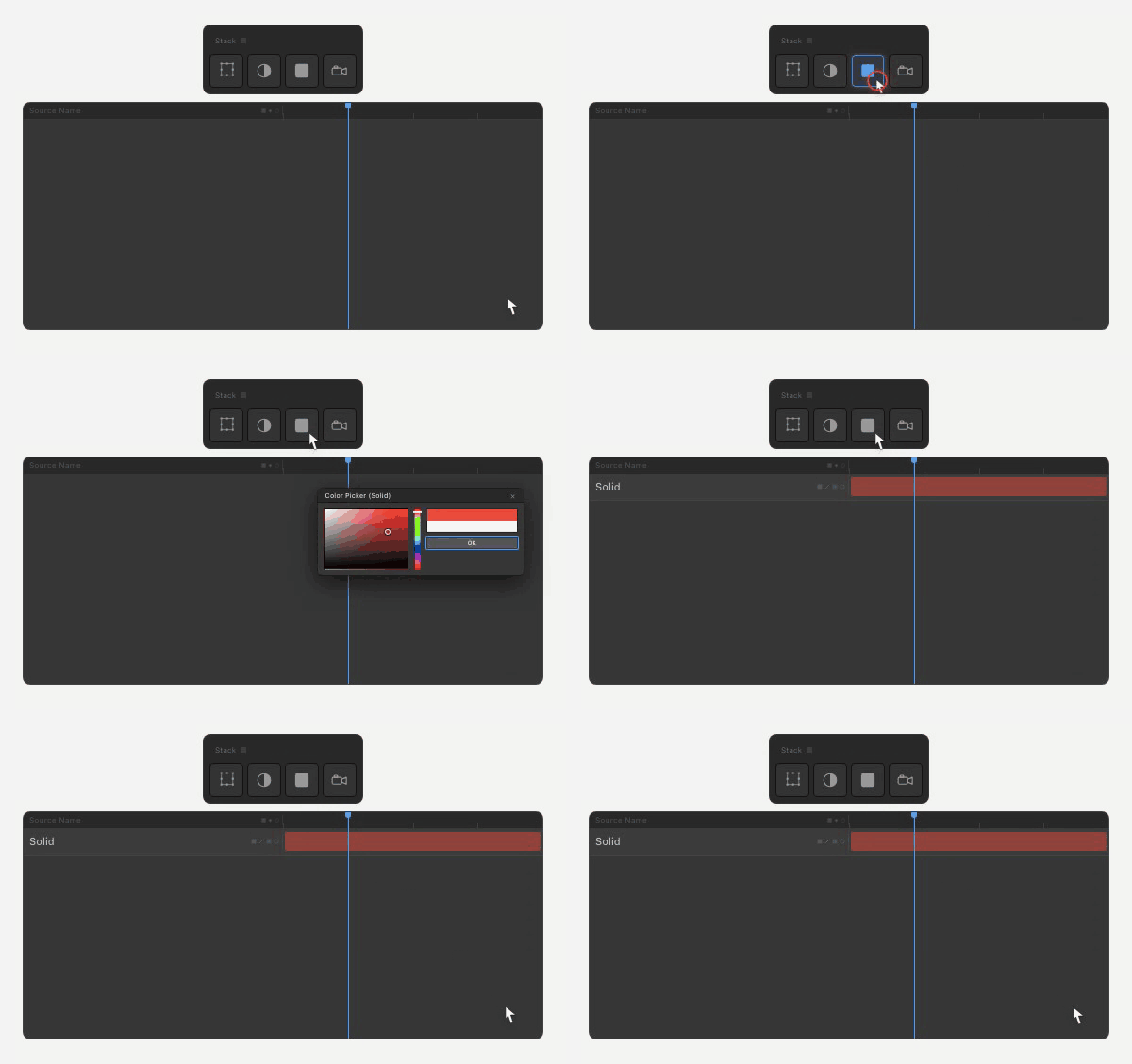
Right-click Solid to open After Effects’ native colour picker with a Fill effect applied. Pick a colour, edit it later from the effect controls.
Smart layer naming
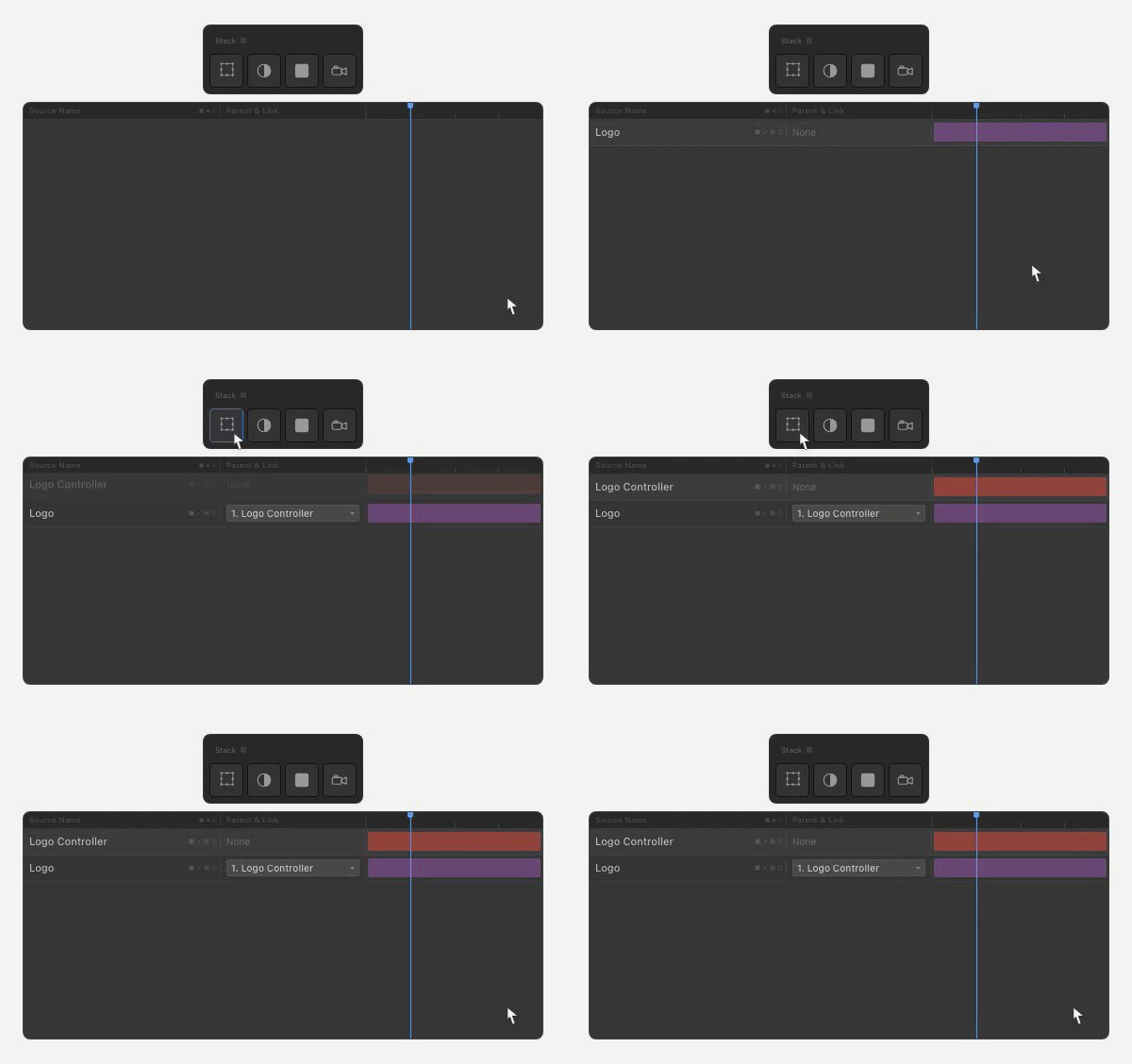
New layers auto-increment to avoid collisions. Right-click null on “Logo” creates “Logo Controller”. Build hierarchies that read at a glance.